
Show your coding
agent what to change
Share your screen and talk through your feedback. Montra extracts the tasks and screenshots, ready for your agents and team.
Start for free
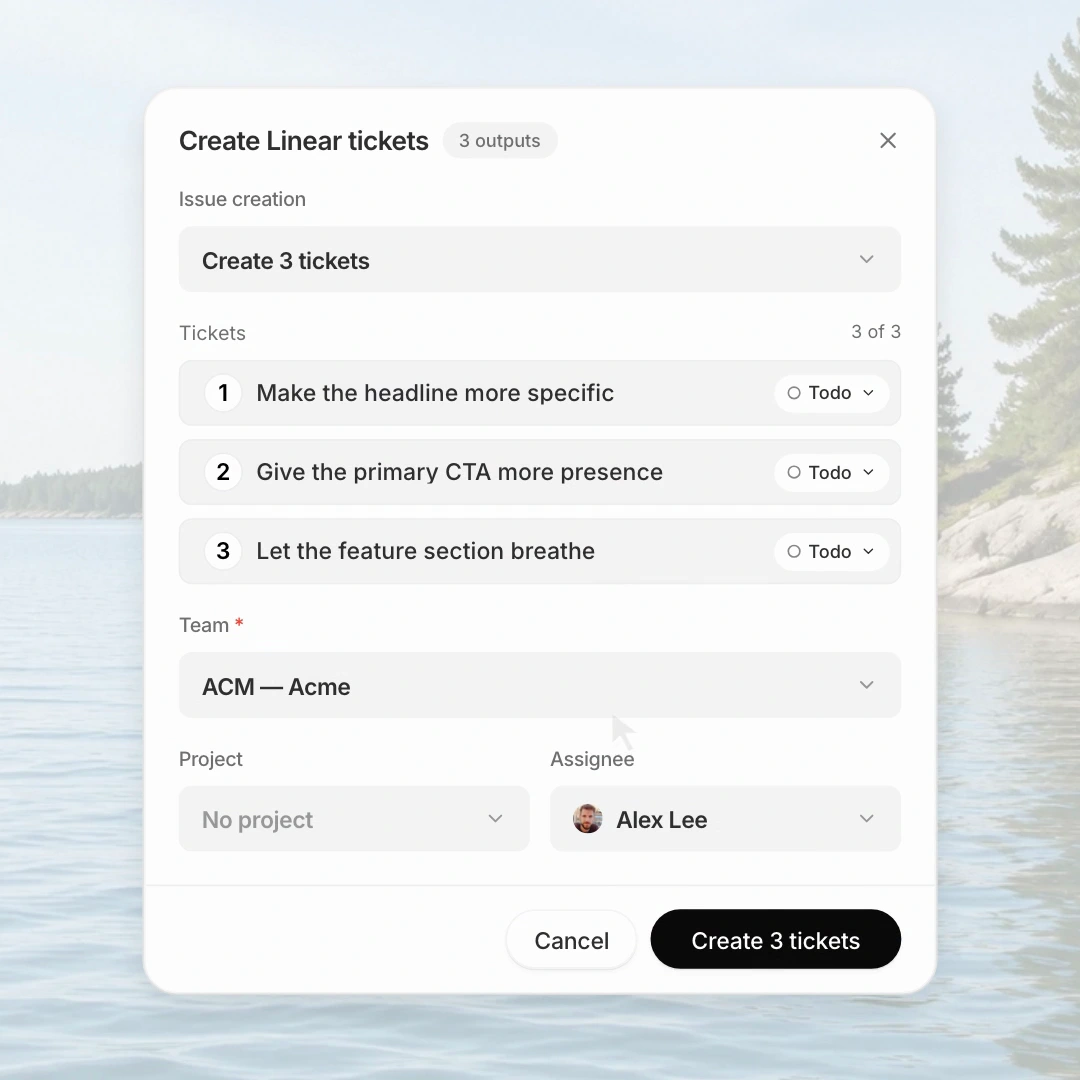
Capture annotated feedback, review and copy three Montra tasks, paste them with screenshots into ChatGPT, then create three Linear tickets.
How It Works
Your feedback, turned into tasks.
Capture Your Feedback
Record your screen or take a screenshot, then show what needs to change.

Montra Extracts Your Tasks
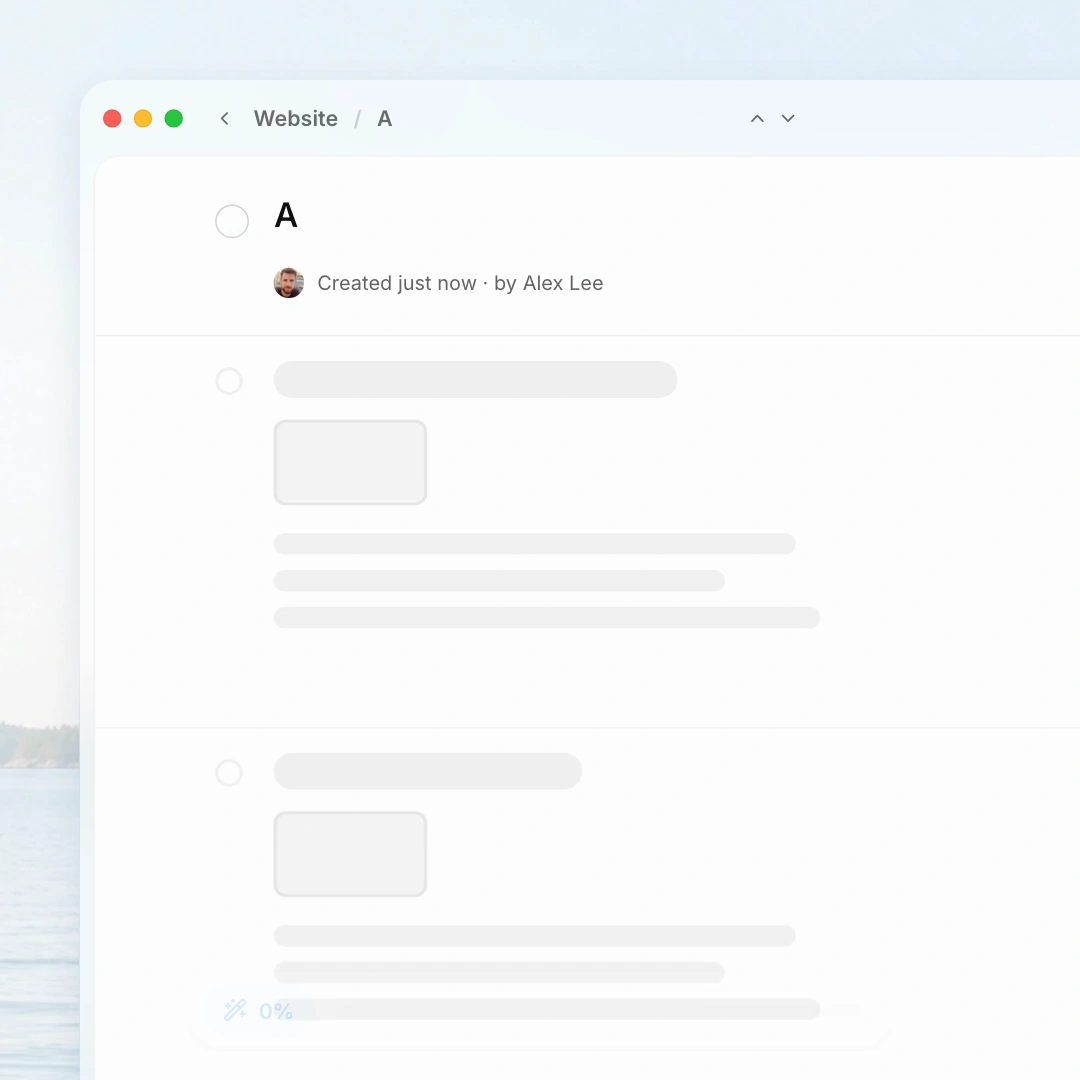
Montra turns your walkthrough into clear tasks with annotated screenshots, ready to review and edit.
Share With Your Agent
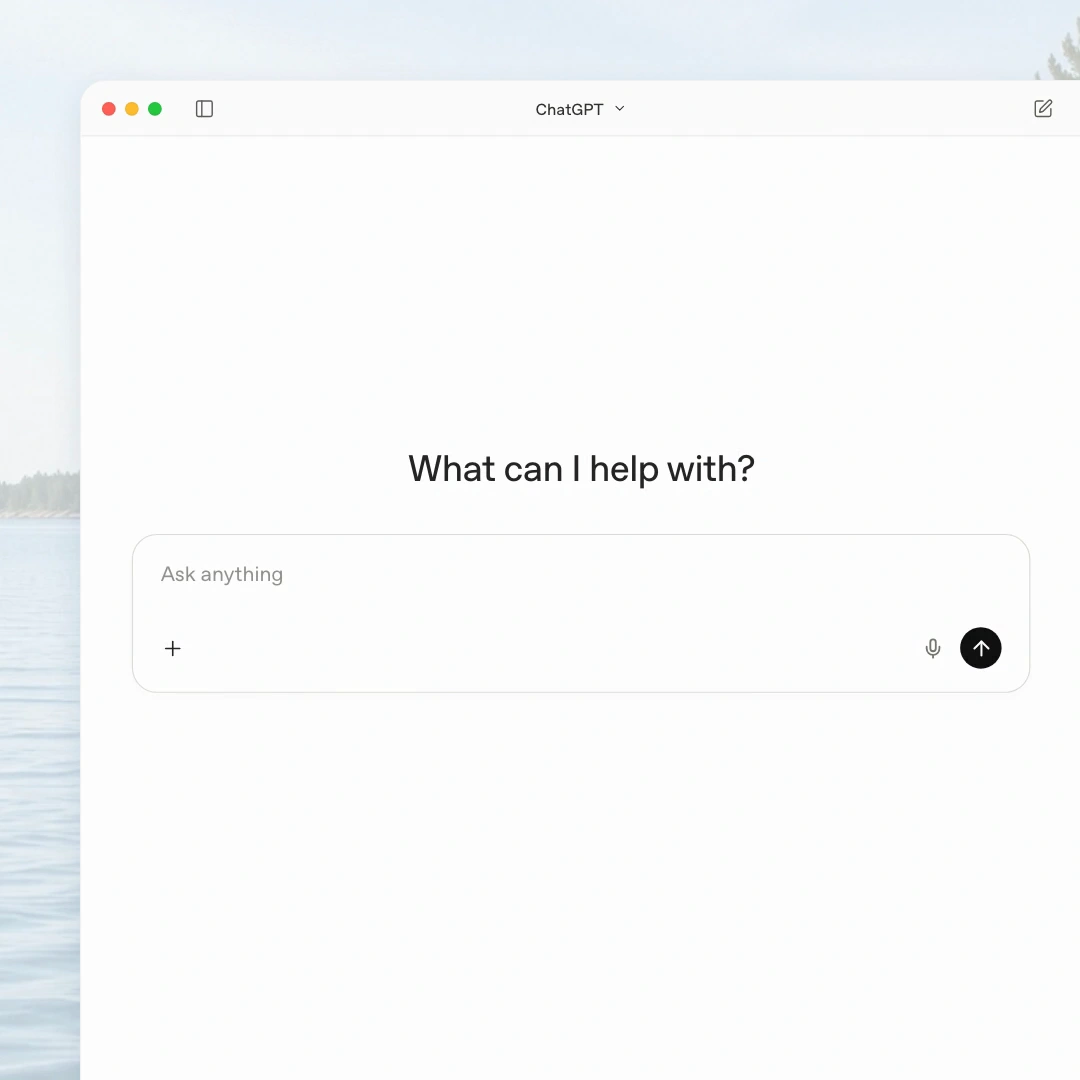
Paste a link, or send your cleaned-up transcript and screenshots straight to your coding agent.
Create Tickets
Send selected tasks to Linear with their descriptions and visual references.
Hand Off To Your Team
Share a Montra document so your team can review the feedback and context together.
Frequently Asked QuestionsFAQs
Answers about capturing, organizing, and sharing feedback.
Montra is a Mac app that turns what you show and say into tasks with screenshots, ready to share with your agent and team.
Yes. The Free plan includes 30 minutes of recording each month, with up to 10 minutes per recording. Teams and Pro add more recording time and shared workspaces.
Choose screen recording or screenshot mode, then talk through your feedback. In screenshot mode, Montra automatically captures screenshots as you explain what needs to change.
Yes. Draw on your screen during capture to point out exactly what needs attention. Your annotations stay with the screenshots in your document.
Montra creates a document with clear tasks, screenshots, and a transcript of your feedback. Review and edit the result before sharing it.
Group your documents into projects so feedback for each product, client, or initiative has a home.
Connect Montra’s MCP server to Claude Code, Codex, Cursor, or another compatible agent and sign in with your Montra account. Then paste your document link into the conversation so your agent can read the tasks, screenshots, and transcript. See Docs for setup instructions.
Share a document link so teammates can review the tasks and visual context in their browser. Teams and Pro also include shared workspaces.
Create tickets in Linear and Jira, or pages in Notion, directly from Montra. You can also copy tasks or share a document link.
An Apple silicon Mac. The app is signed and notarized, and installs by dragging Montra into Applications.

Share feedback your agent can act on.
No screenshots to organize, messages
to rewrite, or tickets to draft.